
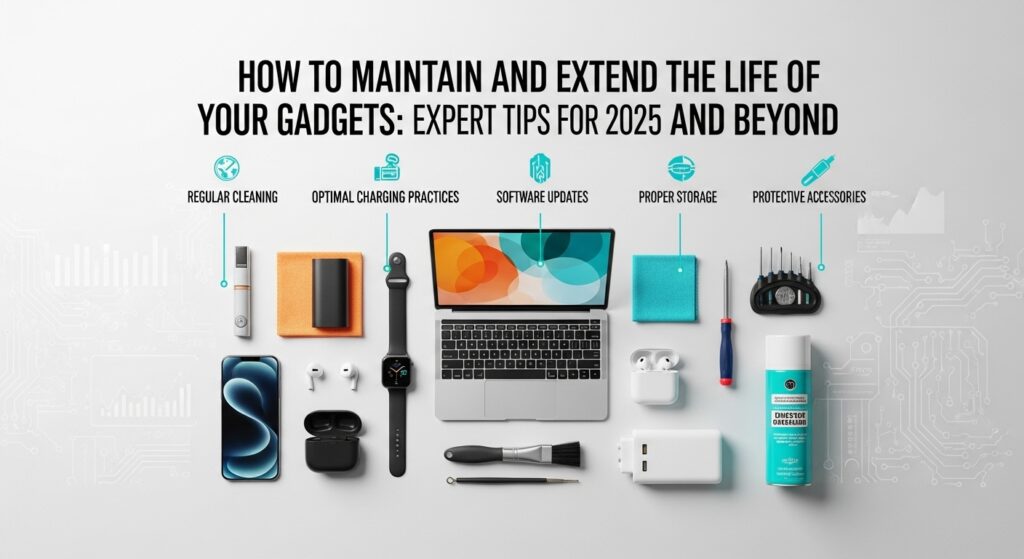

Introduction: The Hidden Cost of Neglecting Your Gadgets
Let’s be honest—our gadgets have become extensions of ourselves. From the smartphone that wakes us up to the laptop that powers our career, these devices shape how we work, play, and connect. But here’s the harsh truth: most people unknowingly shorten their gadgets’ lifespan through everyday habits.
Imagine this—your sleek phone starts heating up after a few months, your laptop battery drains too quickly, or your smartwatch screen flickers. Sound familiar? That’s what happens when gadgets aren’t properly maintained.
In this guide, we’ll uncover expert-backed strategies to maintain and extend the life of your gadgets—from cleaning and storage techniques to optimizing performance and battery longevity. Whether you’re a tech lover, gamer, or digital nomad, these tips will save you money, frustration, and time.
1. Why Proper Gadget Maintenance Matters
Modern gadgets are built with precision, but they’re not indestructible. Dust, temperature changes, and poor charging habits can degrade even the most advanced devices.
Here’s what consistent maintenance does for your gadgets:
| Benefit | Impact on Gadgets |
|---|---|
| Extended Lifespan | Reduces wear and tear, saving money on replacements |
| Better Performance | Keeps software and hardware running smoothly |
| Energy Efficiency | Prevents overheating and battery drain |
| Higher Resale Value | Maintains physical and functional condition |
According to Statista, the average person owns over 10 connected devices, and global e-waste hit over 62 million tons in 2022. Regular maintenance not only saves you money—it’s an eco-friendly practice that reduces electronic waste.
2. Cleaning Your Gadgets the Right Way
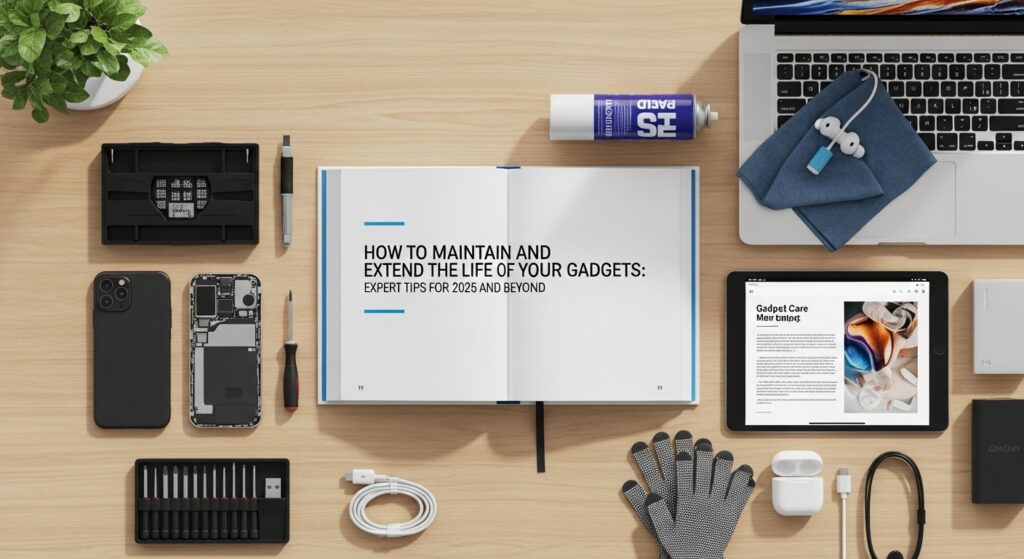
Dust and grime are silent killers for your devices. But before you grab any cleaning product, here’s what experts recommend:
a. Screen Cleaning
- Use a microfiber cloth and isopropyl alcohol (70%) to wipe screens.
- Avoid window cleaners or paper towels—they cause scratches and damage protective coatings.
b. Keyboard and Ports
- Use compressed air to remove dust between keys and inside USB ports.
- Clean gently with a dry toothbrush for stubborn debris.
c. Smartphone Care
- Remove your phone case weekly and clean it with mild soap.
- Disinfect your phone screen daily using a UV sanitizer or alcohol wipes.
💡 Pro Tip: Never spray liquid directly on any gadget. Always spray on the cloth first.
3. Mastering Battery Care: The Lifeblood of Your Gadgets
Batteries degrade faster than most users expect—but small changes can make a huge difference.
a. Avoid Full Discharges
Keep your battery between 20% and 80% instead of letting it drain completely. This reduces strain on lithium-ion cells.
b. Use Original Chargers
Third-party or cheap chargers can cause inconsistent voltage and heat buildup. Stick to manufacturer-approved accessories.
c. Avoid Extreme Temperatures
Heat is a battery’s worst enemy. Avoid leaving devices in hot cars or under direct sunlight.
d. Enable Battery Optimization
Most devices (like Android or iPhones) have a built-in battery optimization feature that automatically slows down background activities. Turn it on to preserve battery health.
🧠 Expert Insight: According to Battery University, keeping lithium-ion batteries at 100% charge constantly can cut their lifespan by 20–30% each year.
4. Software Maintenance: Don’t Ignore the Inside
Just as you clean the outside of your gadgets, the inside needs regular tune-ups, too.
a. Keep Your Software Updated
Updates often include security patches, performance improvements, and bug fixes. Set them to automatic updates for convenience.
b. Clear Cache and Junk Files
Over time, apps accumulate junk files that slow your system. Use tools like CCleaner (Windows) or CleanMyMac X for macOS.
c. Manage Storage Efficiently
- Delete unused apps and old downloads.
- Move photos or videos to cloud storage like Google Drive or iCloud.
d. Use Antivirus and Security Tools
Install trusted software like Bitdefender, Norton, or Kaspersky to protect against malware that can damage system integrity.
5. Hardware Protection and Handling Tips
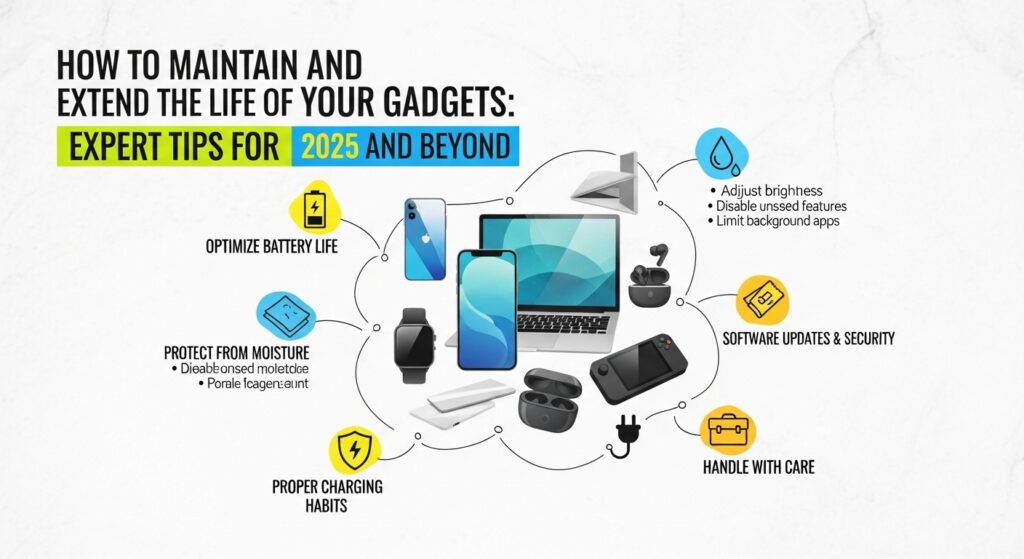
Even a single drop or spill can ruin an expensive gadget. Here’s how to protect them physically:
a. Use Protective Cases and Screen Guards
Invest in high-quality cases (OtterBox, Spigen) and tempered glass protectors for shock resistance.
b. Proper Cable Management
Don’t wrap cords tightly—they can break internal wires. Use cable organizers or magnetic holders.
c. Avoid Overloading Ports
For laptops, use docking stations instead of repeatedly plugging and unplugging devices, which wears out the ports.
d. Store Safely
Keep gadgets in cool, dry environments. Humidity and dust can cause corrosion and electrical issues.
6. Backups and Data Protection: Your Digital Insurance
Imagine losing years of work or precious memories because of one hardware failure. Data backup is the safety net every gadget owner needs.
a. Automate Backups
Use cloud platforms like Google One, iCloud, or Dropbox to automatically sync your data.
b. Keep an External Hard Drive
For critical files, a portable SSD ensures fast transfer speeds and offline access.
c. Enable Device Tracking and Encryption
Features like Find My Device or Google Find My Phone protect your gadgets if stolen or lost.
7. Tech Habits That Extend Gadget Lifespan
Here’s a quick rundown of daily habits that make your gadgets last longer:
| Good Habit | Why It Matters |
|---|---|
| Turn off devices overnight | Reduces heat and electrical strain |
| Don’t overcharge | Prevents voltage stress on batteries |
| Avoid multitasking overload | Keeps CPU temperature stable |
| Clean regularly | Prevents dust-induced short circuits |
| Use surge protectors | Shields gadgets from power spikes |
8. When to Repair vs Replace: The Smart Decision
Sometimes, holding on to an old gadget costs more in the long run.
| Condition | Repair Recommended | Replace Recommended |
|---|---|---|
| Cracked screen, but performance intact | ✅ Replace battery | ❌ Replace entire device |
| Cracked screen but performance intact | ✅ Screen repair | ❌ New purchase |
| Outdated OS, slow performance | ⚠️ Depends on cost | ✅ Replace device |
| Multiple component failures | ❌ Not worth repairing | ✅ Upgrade recommended |
💬 Pro Tip: If repair costs exceed 50% of the gadget’s value, it’s more economical to replace it.
9. Expert Insight: Real-World Gadget Maintenance Example
When TechRadar surveyed 5,000 users, they found that consistent cleaning and charging discipline increased average smartphone longevity from 2.5 years to 4 years.
For instance, I once neglected my first MacBook’s fan cleaning for two years—until it started overheating during Zoom calls. After servicing and adjusting my habits (like using cooling stands and regular software cleanup), the same laptop ran perfectly for three more years.
Maintenance isn’t just technical—it’s mindful usage.
Conclusion: Treat Your Gadgets Like Investments, Not Accessories
Your gadgets represent more than convenience—they’re investments in productivity, connection, and creativity. With a few smart habits, you can extend your lifespan, save money, and reduce electronic waste.
Remember, every charge, tap, and click counts. Start today—clean your phone, organize your files, and adopt mindful tech habits. Your future self (and your wallet) will thank you.
Call to Action (CTA)
Did you find these tips helpful? 🚀
Share this article with your tech-loving friends and explore more gadget maintenance guides on EduKester Tech Hub. Subscribe today to stay ahead of the latest tech trends and digital tips!
Notes
Meta Title: How to Maintain and Extend the Life of Your Gadgets – Expert Maintenance Tips for 2025
Meta Description: Discover expert tips to maintain and extend the life of your gadgets. Learn how to clean, charge, and store your devices for long-term performance and savings.
Focus Keyword: Gadgets
Tags: Gadgets, Tech Maintenance, Battery Life, Smart Devices, Digital Habits, Device Care, Cleaning Tips, Electronics, Technology Tips, EduKester
Long-tail Keywords:
- How to extend gadget lifespan
- expert gadget maintenance tips
- cleaning and storing electronics
- improve gadget performance
- Daily habits to protect gadgets
Internal Linking Suggestions:
- Link to your post on “The Latest Wearable Tech Gadgets Every Fitness Enthusiast Needs.”
- Add an internal link to “Top Tech Accessories to Buy in 2025.”
- Include a related post on “Best Smart Home Devices for Beginners.”